
Scan
Look for private details
The scan can flag API keys, passwords, contact details, account IDs, faces, QR codes, GPS, and EXIF metadata.
A screenshot for AI or support can include an API key or someone's personal details. Cloakshot scans it on your device, then lets you check and adjust what gets hidden before you share it.
Cloakshot — Screenshot Redactor for iPhone & Android. Made by Spawn Lau.
Before
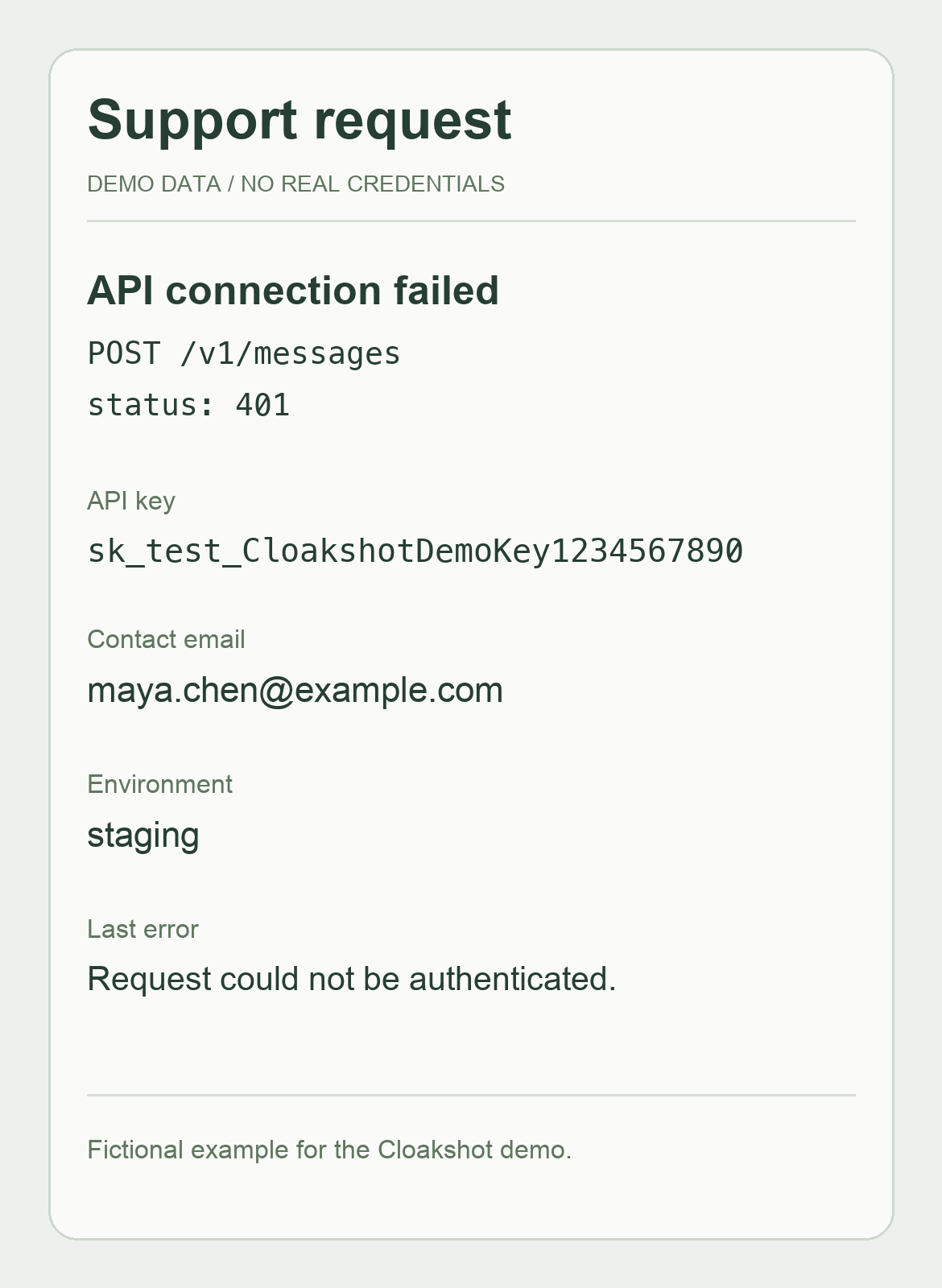
After export
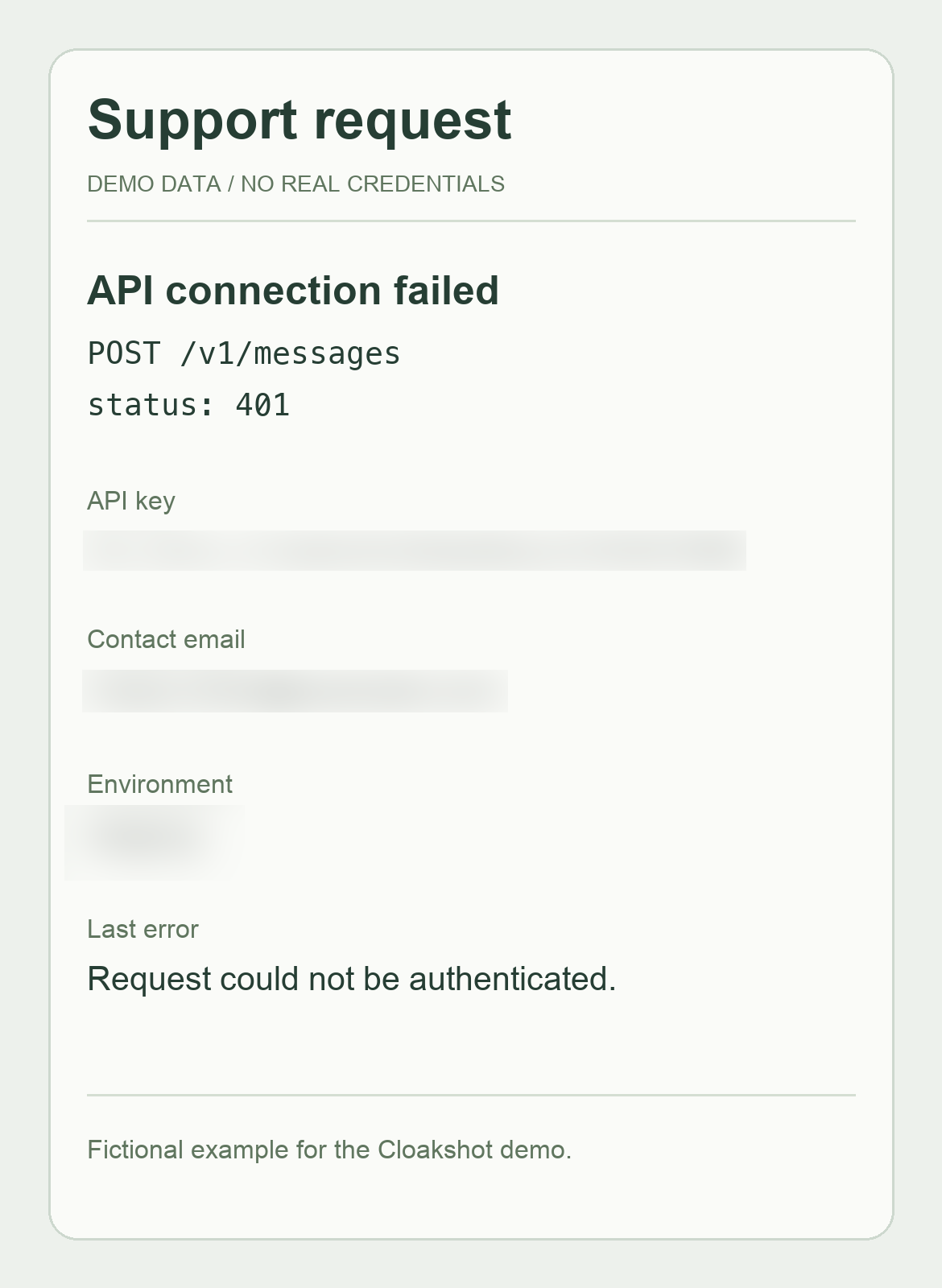
Select a screenshot from Photos, review its mask on your device, and export a separate redacted PNG.
Recorded in the app with fictional data. Check every mask before sharing.
Watch on YouTubeCloakshot can flag faces and QR codes as well as text. It also checks for GPS and other photo metadata. You choose which suggestions to use.
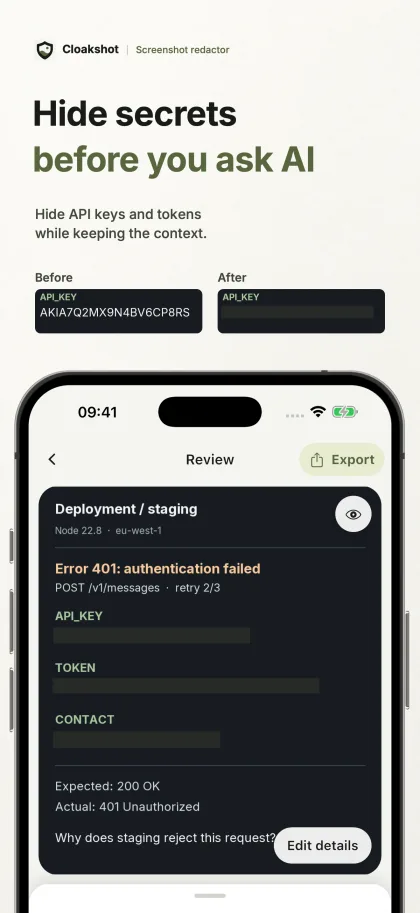
Hide API keys and tokens while keeping the context.
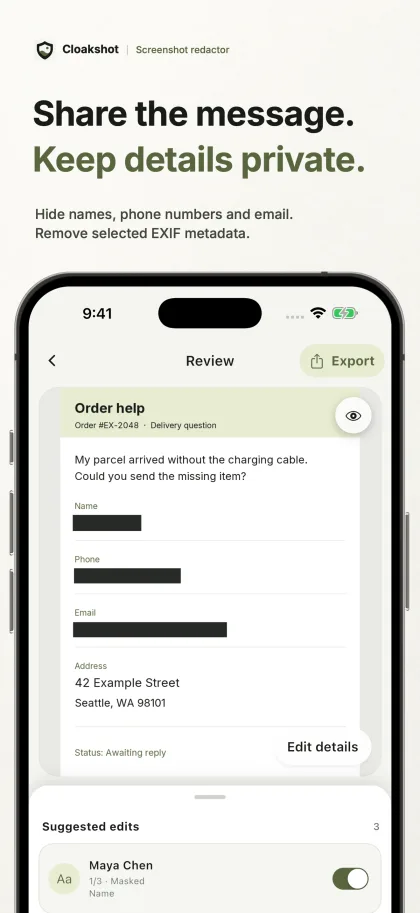
Hide names, phone numbers, and email. Remove selected EXIF metadata.
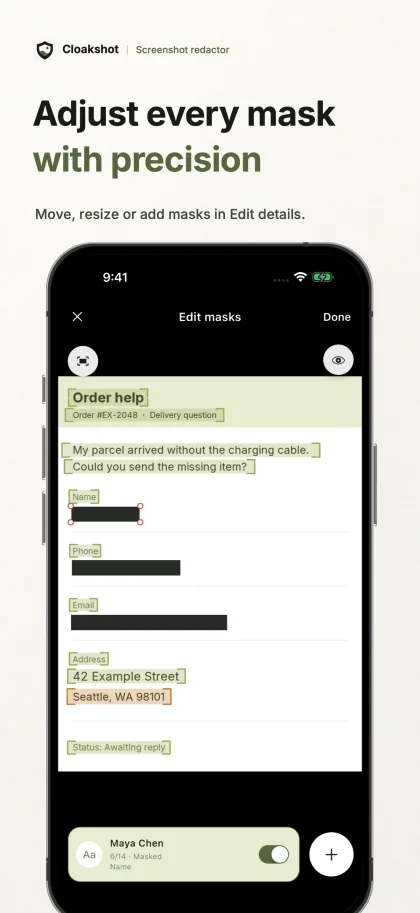
Move, resize, or add masks in Edit details.
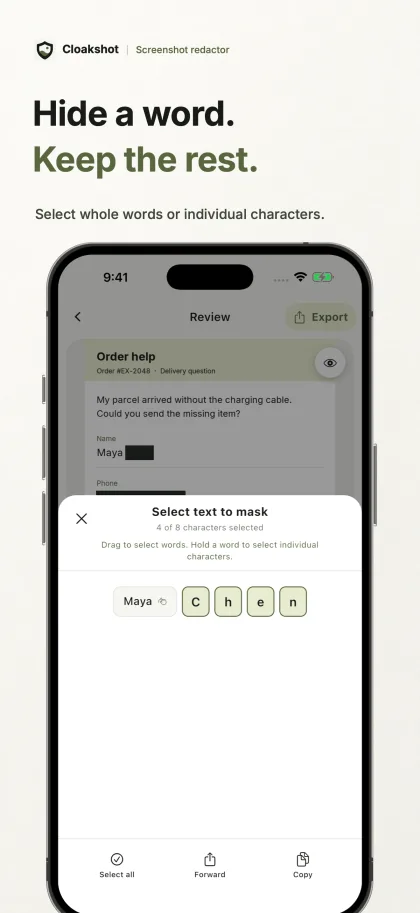
Select whole words or individual characters.
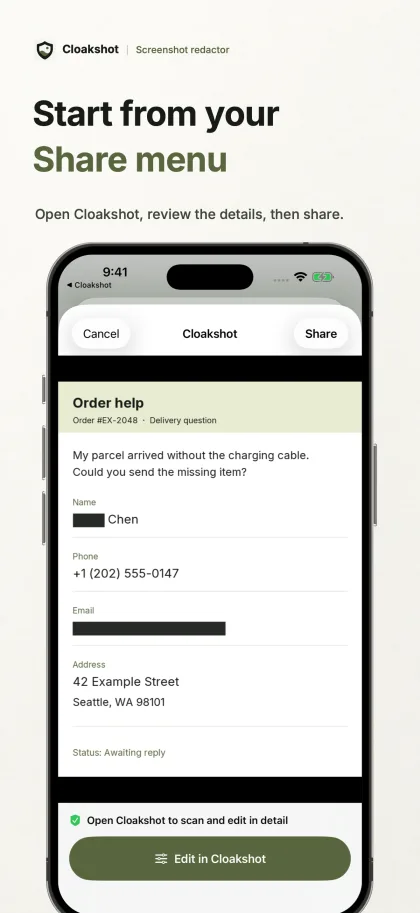
Open Cloakshot, review the details, then share.
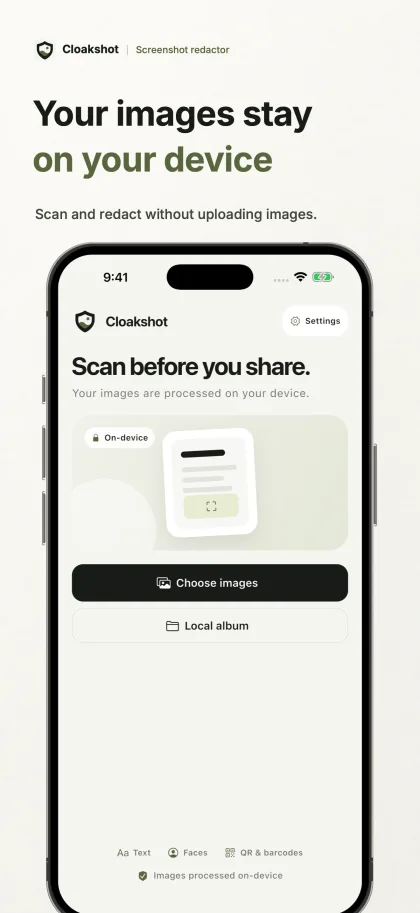
Scan and redact without uploading images.
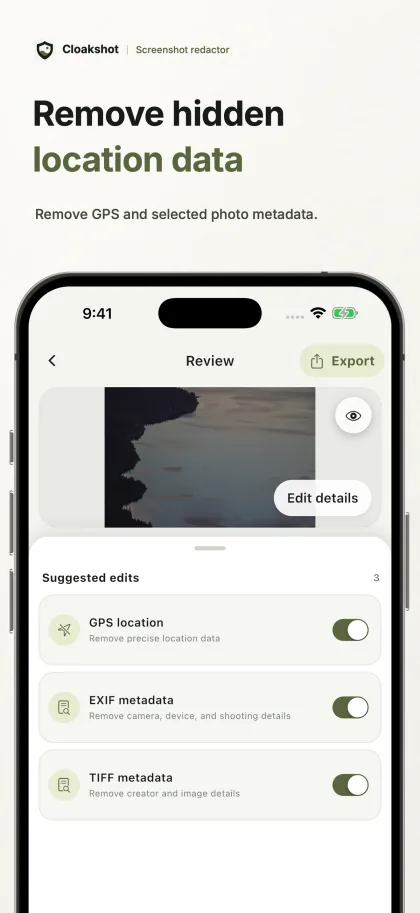
Remove GPS and selected photo metadata.
Cloakshot saves a new PNG and leaves the original alone. Before sharing from the main app, it checks the masks and metadata changes you selected.
The scan can flag API keys, passwords, contact details, account IDs, faces, QR codes, GPS, and EXIF metadata.
Turn suggestions on or off. Select a few characters, move or resize a mask, or draw your own. Use blur or a solid fill.
Cloakshot writes your masks into the PNG itself, so they are not separate editing layers.
The main app checks the selected masks and metadata changes, then scans the copy for remaining high-risk details. It can still miss things, so check the result yourself.
You can scan, review, and edit masks without paying or creating an account. To save or share a redacted copy, you need an active trial or Cloakshot Pro Lifetime.
Open an image, see what the scan finds, and edit the masks before you decide whether to buy Pro. You can also inspect the photo metadata.
Check the Cloakshot Pro screen for trial availability on your device. Eligible iOS and Android devices can start a free 14-day trial after an online device check. You don't enter payment details, and it doesn't renew automatically. When the trial ends, you can buy Pro Lifetime once to keep exporting.
How image processing and Pro access work.
No. Cloakshot does not upload images or scan results. Scanning, editing, and redaction happen on your device. If you choose to share a copy, the destination app handles it under its own policy. Other network activity is described in the Privacy Policy.
Yes. It can miss something or mark the wrong area. Review the whole image and add a manual mask when needed.
You can scan an image, check the suggestions, edit masks, and inspect metadata for free. Saving or sharing a redacted copy needs an active trial or Pro Lifetime. The free tools still work after your trial ends.
Scanning and redaction run on your device. You'll need internet access to start or restore a trial, buy Pro, or restore a purchase. Android's scanning SDK may send diagnostic and usage metrics to Google, but it doesn't send images or scan results. See the Privacy Policy for details.
No. Cloakshot Pro Lifetime is a one-time purchase. You can still scan and review images without Pro.
Yes, on eligible devices. Check the Cloakshot Pro screen to see if your device can start the 14-day trial. It needs an online device check, but no account or payment details. It doesn't renew automatically. After it ends, scanning and editing stay free; you can buy Pro Lifetime separately to keep exporting.
Share your feedback on Cloakshot, or tell me how you've recommended it to others. Email spawnlauplay@gmail.com with the details and whether you use iOS or Android.
I'll read your message first. If you qualify, I'll send you a promo code as a thank-you.
Start on your phone, prepare an image for an AI chat, or cover a credential before posting a bug report.
Start in Photos or the app. Keep the useful message readable and export a separate copy.
Read the guideKeep the missing-item conversation and cover the contact details the question does not need.
Read the guideCover the full credential while keeping the error readable. Check repeated copies too.
Read the guideAvailable for iPhone, iPad, and Android. No account required.